Connect ChatGPT
Last updated: November 7, 2026
AI assistants change their screens with updates. If something on this page no longer matches what you see, please let us know through the contact form or by email at support@tabico.me.
Before you start
You need a Tabico account. If you don't have one yet, sign up in the Tabico app with Google or Apple first, and sign in with the same account when connecting.
Steps
Tabico is listed in ChatGPT's plugin directory. Open Tabico's page with the button below.
 Add Tabico in ChatGPT
On the page that opens, select "Install plugin".
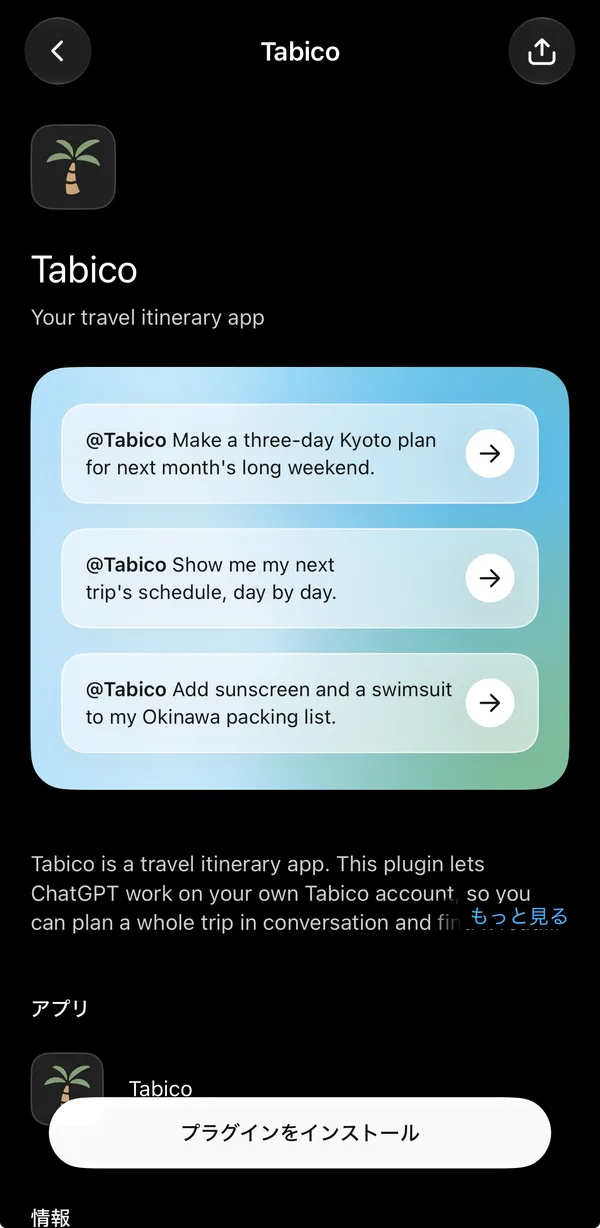
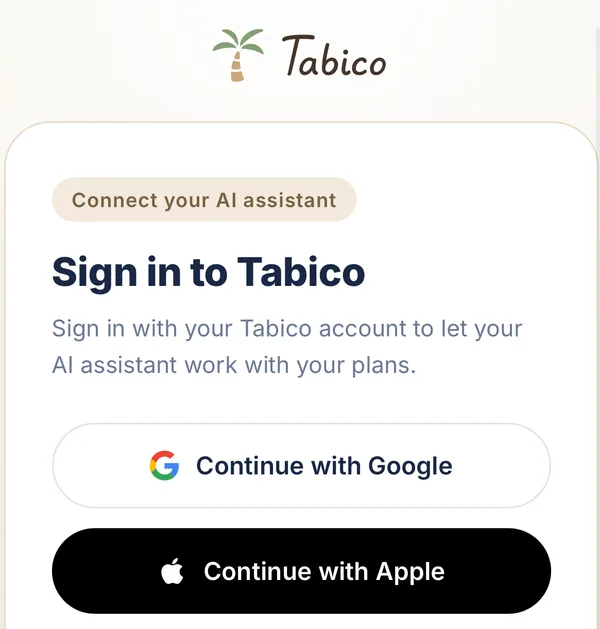
A web page opens. Sign in the same way you do in the Tabico app, with Google or Apple, and allow access, and you're done.
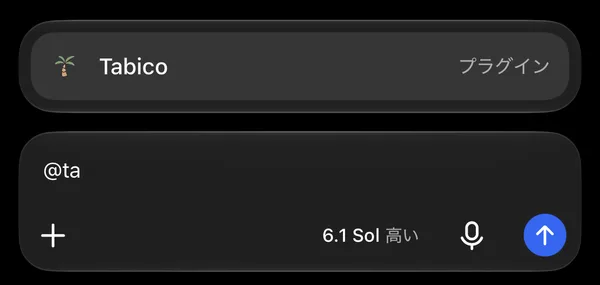
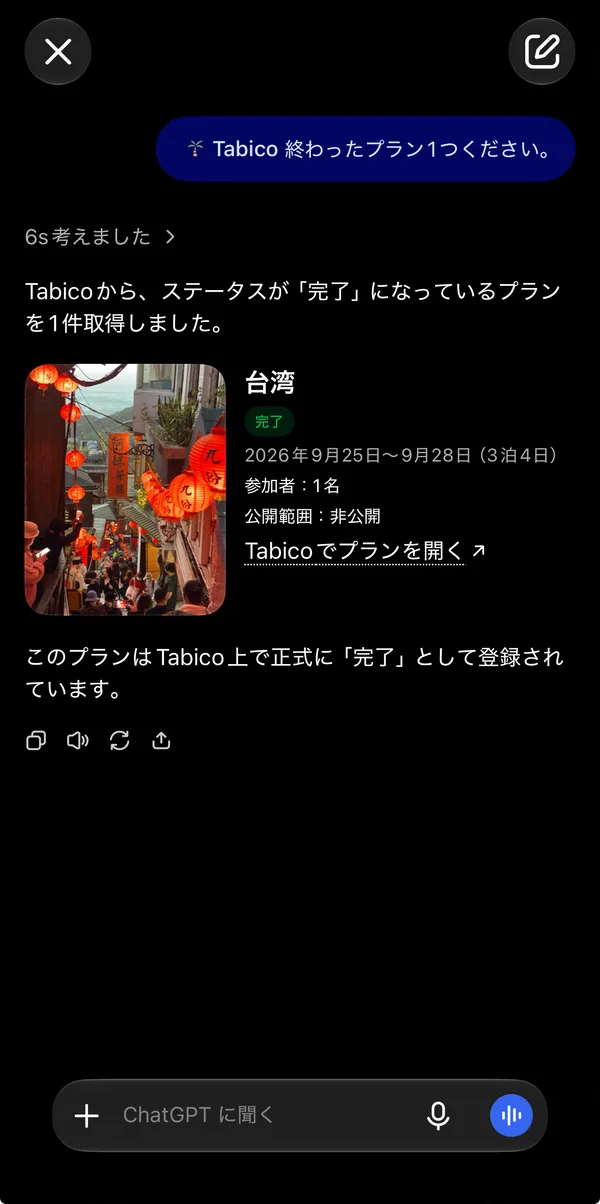
Once it's connected, you can use it in the mobile app too. Type @tabico in a chat, pick Tabico from the suggestions, and ask for what you need.
ChatGPT may ask for your permission before it uses a tool.
Disconnecting
To disconnect, open Settings > Plugins in ChatGPT and disconnect Tabico.
What to try next
Once connected, try one of the sample prompts. For questions or problems, use the contact form or email support@tabico.me.